Esri StoryMaps
Led design of the Image Editor and core features for a professional WYSIWYG mapping and storytelling tool used worldwide.
The Problem
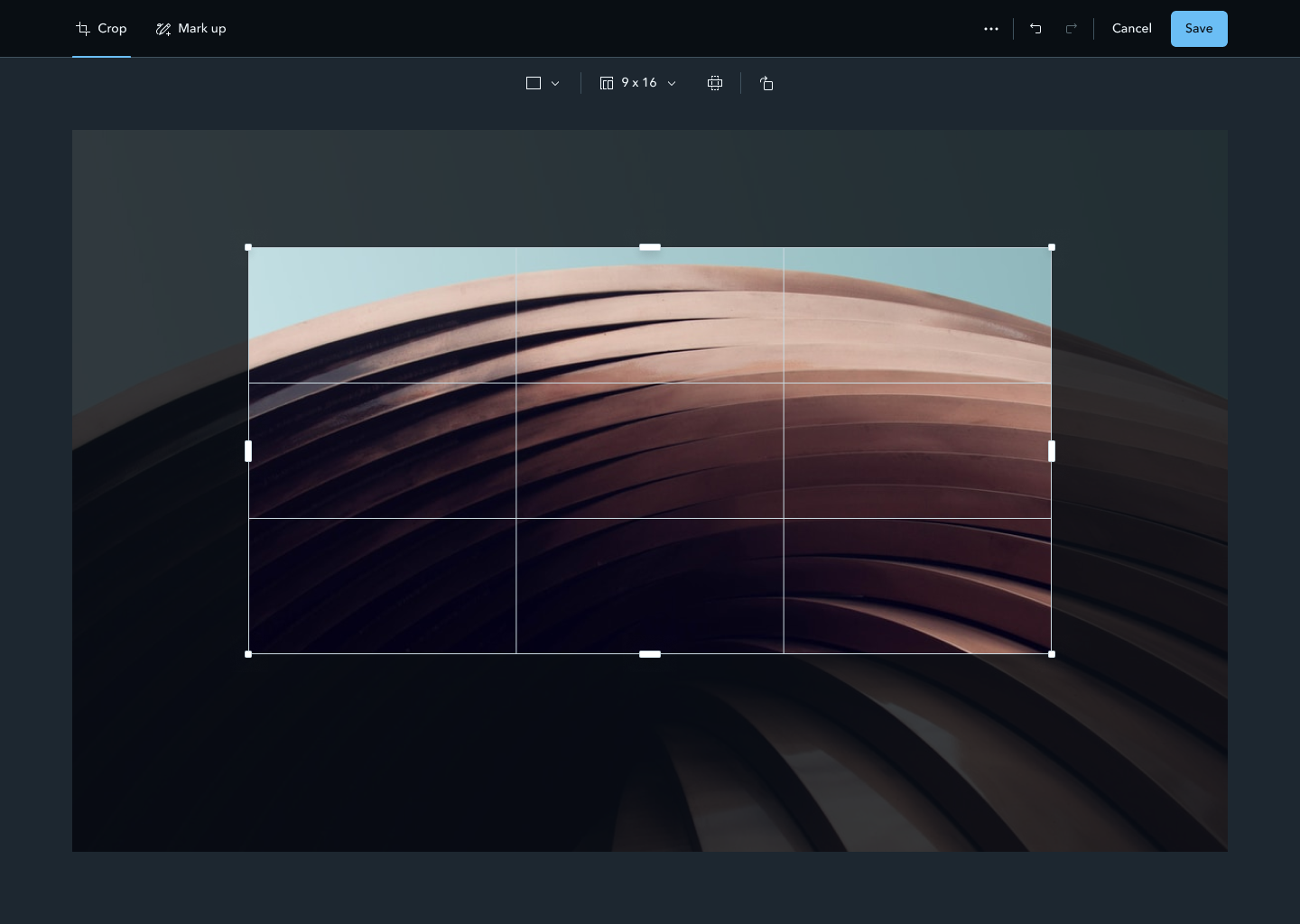
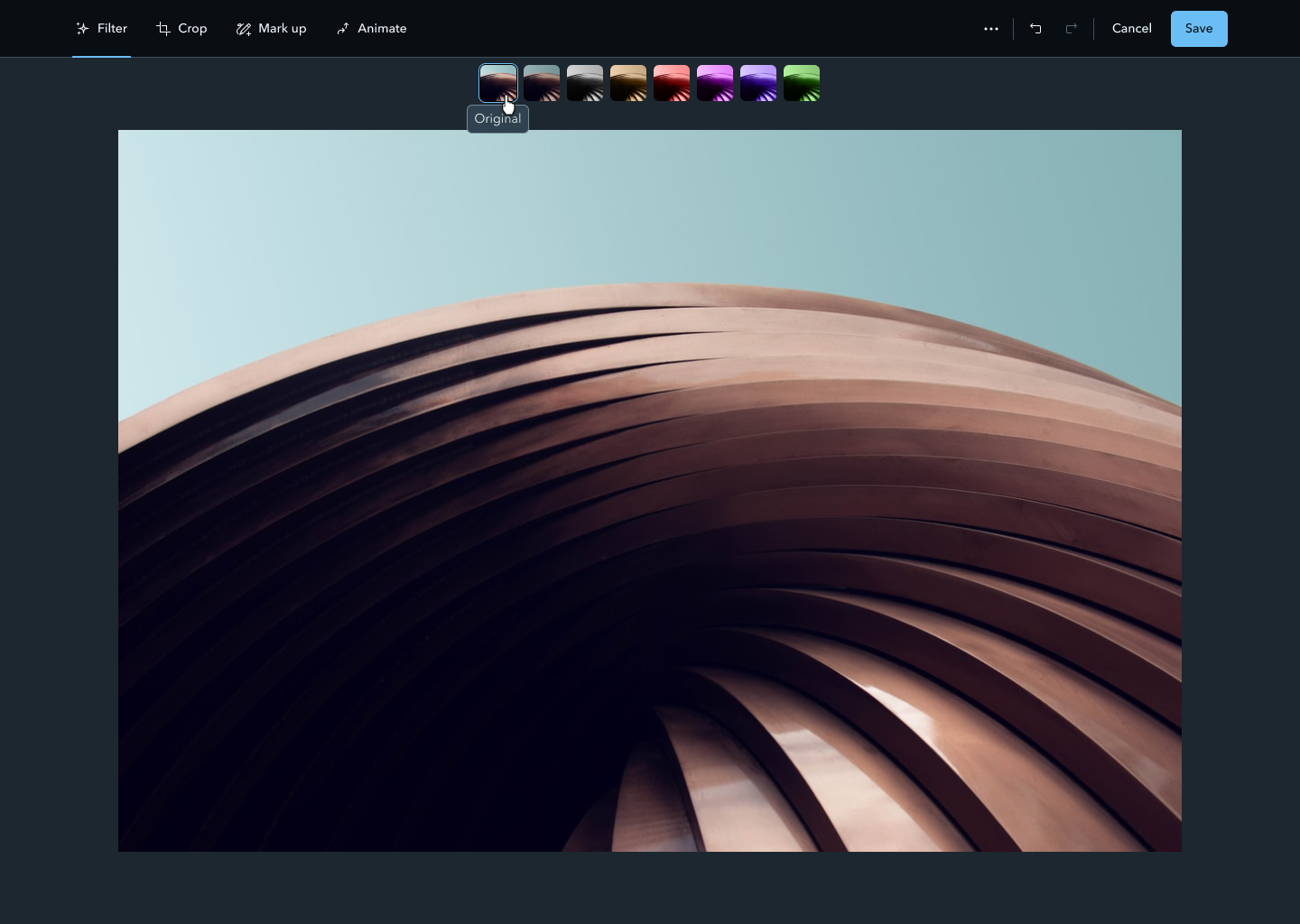
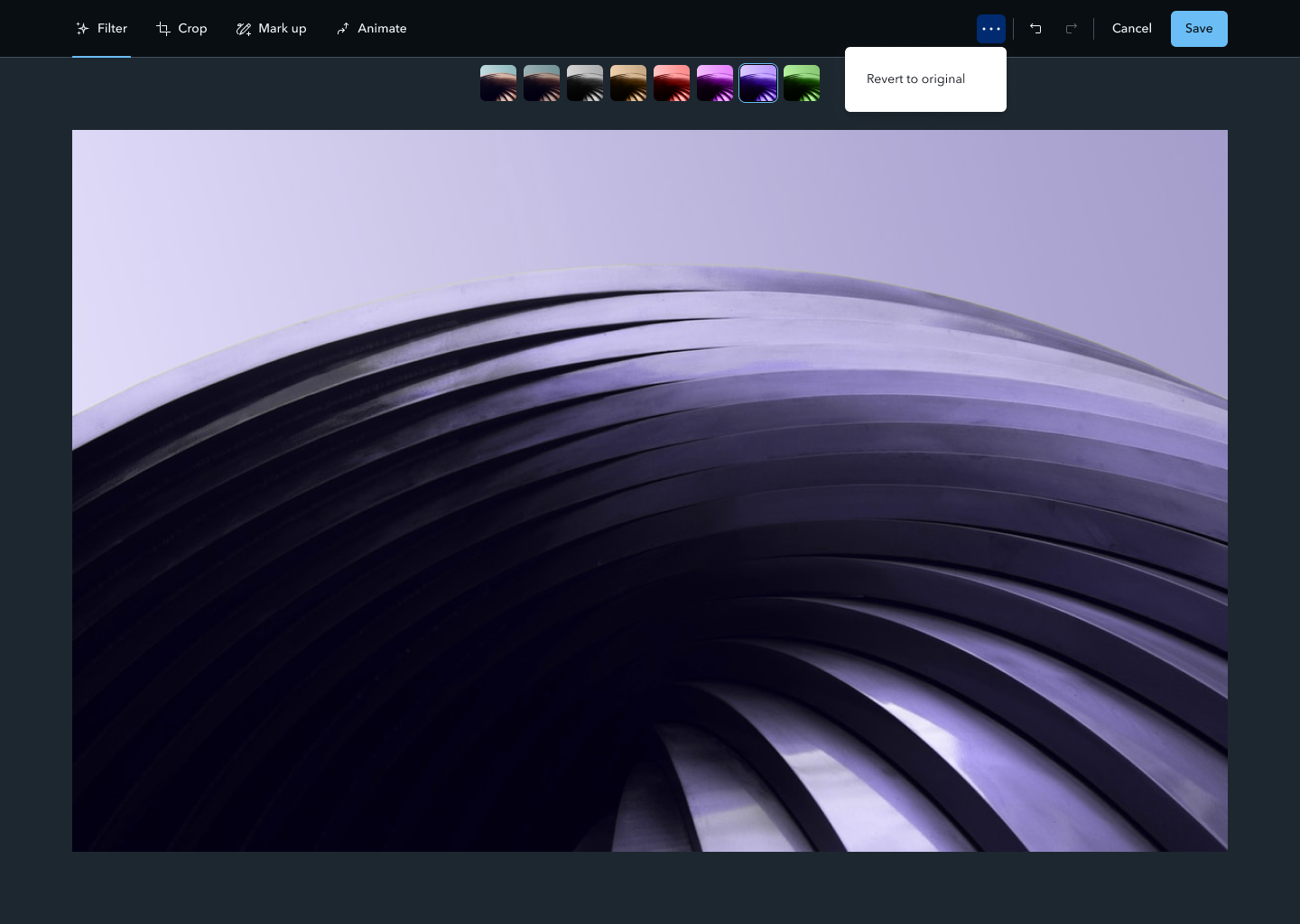
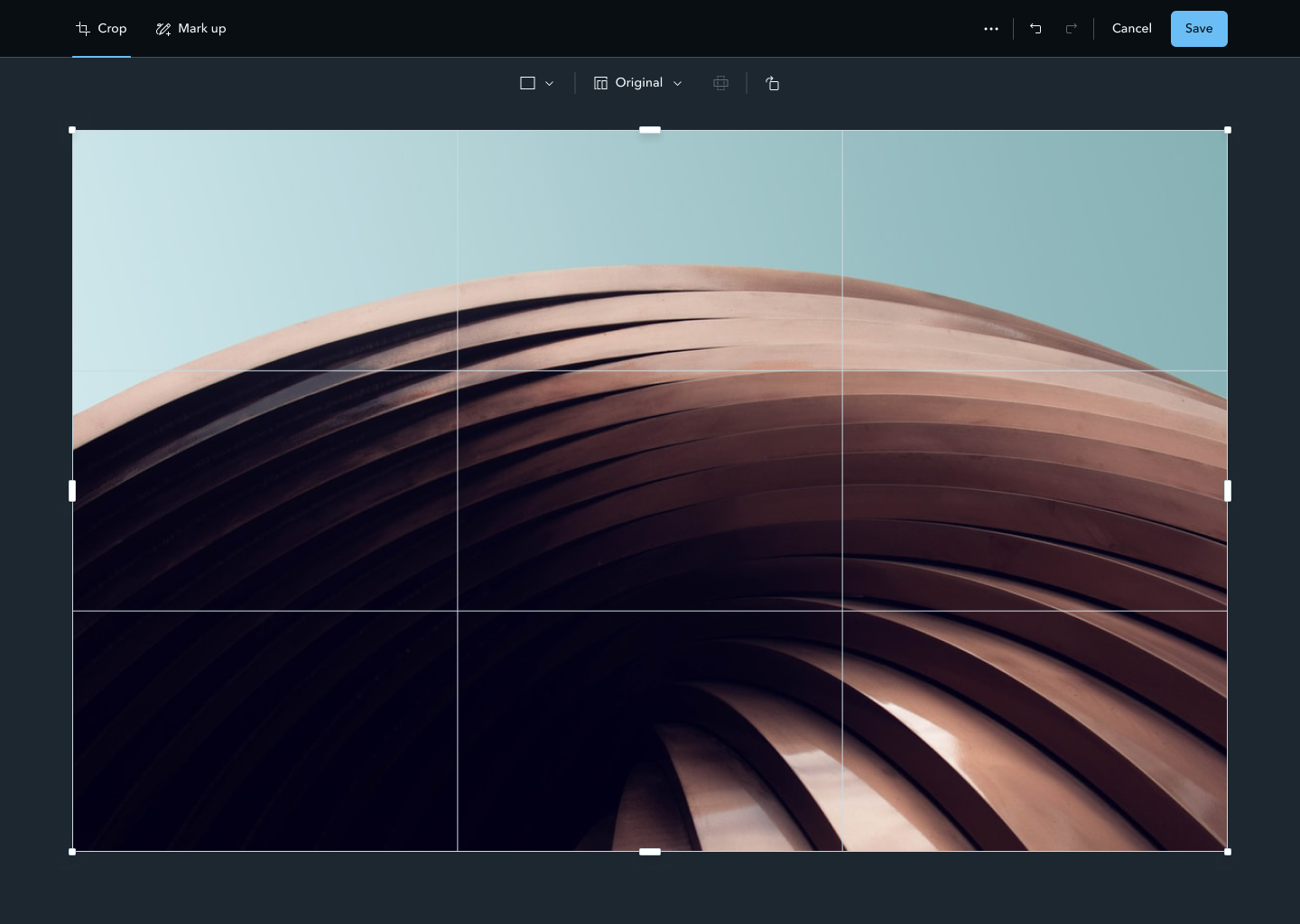
StoryMaps users loved the WYSIWYG mapping and blogging tools but had to leave the app for simple image edits — filtering, cropping, marking up, animating. The context switch broke the storytelling flow.
My Approach
- Led discovery using a Double Diamond process — interviews, surveys, usability tests, and analytics.
- Prioritized four capabilities (Filter, Crop, Markup, Animate) based on frequency and impact.
- Partnered directly with two engineers and a PM on both back-end (non-destructive image pipeline) and front-end (tabbed mode-switching).
- In parallel: led the design-system redesign and the team's Sketch → Figma migration.
Full case study — user research, prototypes, and final UI — is password-protected. Reach out for access.
Company and Role
Esri is the global market leader in geographic information system (GIS) software, location intelligence, and mapping. As Lead Designer over two years, I worked with a team of five designers, a large development team, and three product managers. Products included ArcGIS StoryMaps, a professional WYSIWYG builder for creating compelling map-based stories, and StoryMaps, a consumer-facing social network.
Major projects: Photo Editor, Map Tours, StoryMaps Frames, file browser, My Feed, and more. Internally, I also redesigned the design system, implemented a new design process, and led the team's transition to Figma.
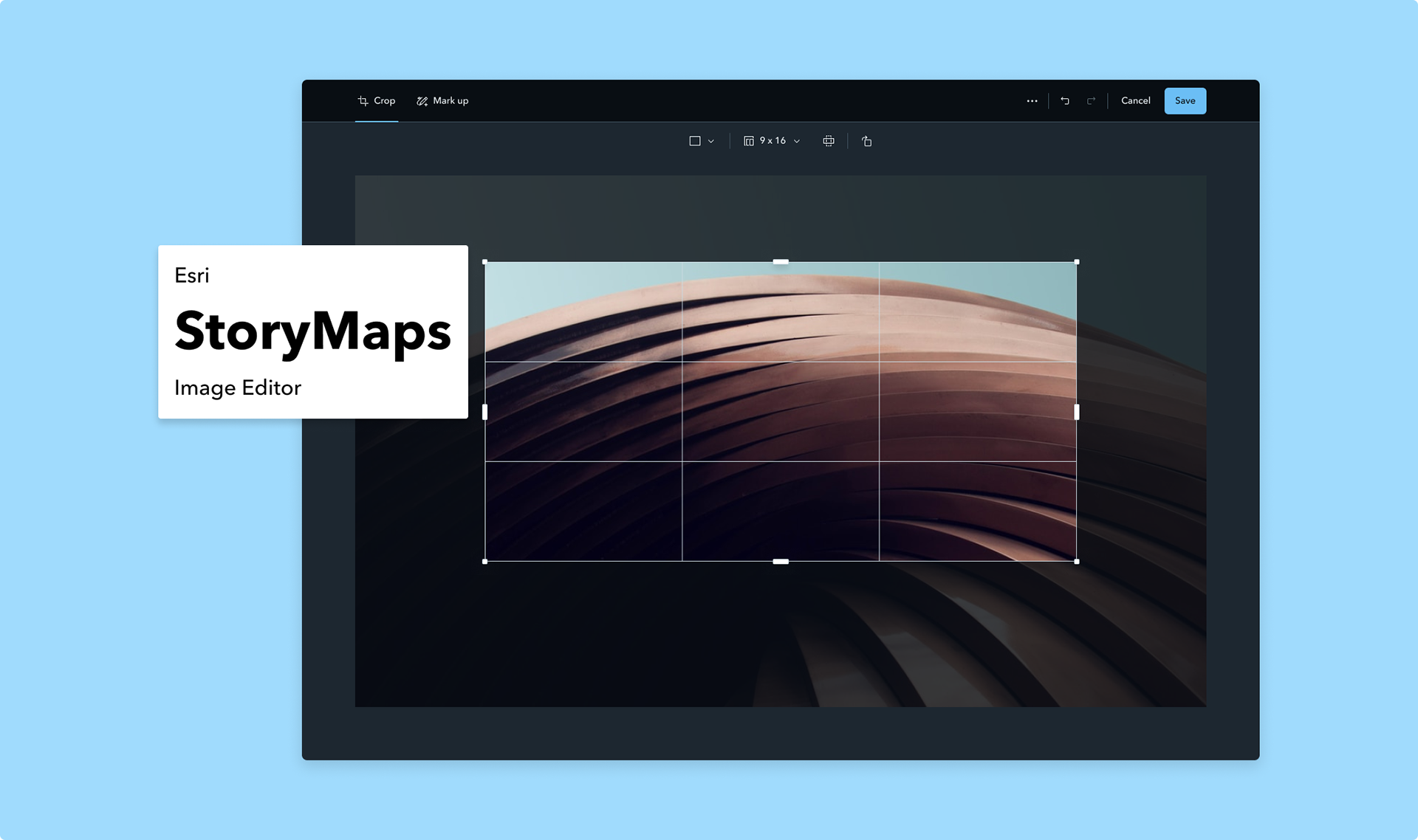
Major Release: The Image Editor
Born directly from user feedback: users loved the WYSIWYG mapping and blogging tools but hated switching to other programs for simple image edits: adding filters, cropping, marking up, or animating. They wanted seamless image enhancement without leaving their story.
I worked directly with two developers and one product manager to define requirements, design features, and iterate through decisions, both back-end (how to save and compress images without losing editability) and front-end (using tabs to switch between modes, avoiding overly complex controls).
Process: Double Diamond
Discover: Extensive user research to understand pain points, needs, and goals. Methods: interviews, surveys, usability tests, and analytics. Findings clarified what features users wanted, how they used images in stories, and what made the current workflow frustrating.
Define: Synthesized findings into personas, user journeys, scenarios, and problem statements. Prioritized features with the most impact. Four main capabilities were chosen: Filtering, Cropping, Marking Up, and Animating.
Develop: Prototyped and tested with real users through low-fidelity sketches, wireframes, mockups, and interactive prototypes. Iterated on both back-end and front-end decisions in parallel.
Deliver: Worked closely with developers and the product manager in an Agile process, breaking work into sprints with incremental value delivery. Quality assurance and user acceptance testing before launch.
Outcome
The Image Editor launched in 2023 to strong reception. Users praised its simplicity and functionality, the ability to edit images within their stories without leaving the browser. The release drove measurable increases in user engagement, retention, and satisfaction.